
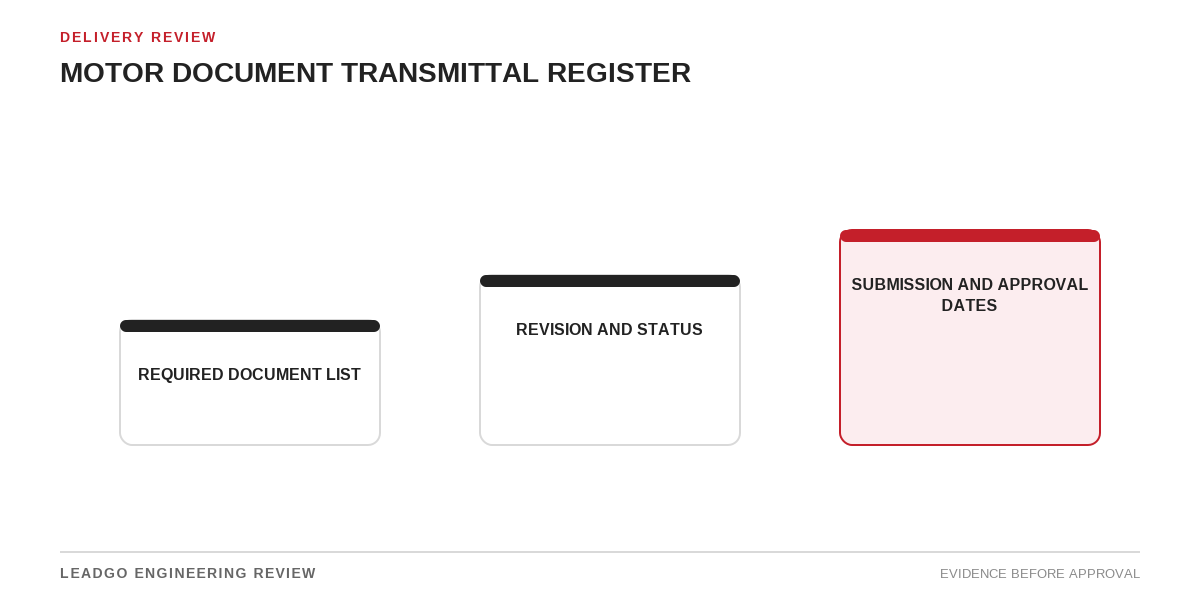
A motor document transmittal register should tell the buyer which file arrived, which motor it covers, which revision it contains and what the recipient may do with it. Create one line for each document revision in a submission. Keep the covering email or portal receipt as delivery evidence, and record the technical decision separately. A successful upload does not establish that an attachment is complete or approved for use.
Use the worksheet below when drawings, test records and manuals arrive through different people or channels. For a procurement enquiry, send the proposed document list, motor tags and required handover format. Identify any attachment that is missing or cannot be opened so the supplier can address a specific delivery gap.
Scope: control the delivered files
This register supports equipment orders with multiple submissions, resubmissions or recipient groups. It can be maintained in a spreadsheet or the project’s document system. Its job is to preserve the relationship between the delivery event and the actual files. The project procedure still determines review codes, authorized reviewers, retention periods and release authority.
Keep contractual deliverables in a separate master list. The motor supplier document delivery matrix helps define what is owed. The transmittal register records what was actually sent and received against that list. Combining these views is useful, but counting delivered files cannot establish that every contractual requirement has been met.
The suggested fields are an editorial worksheet for motor procurement, not a prescribed ISO form. ISO’s documented-information guidance allows different documentation media and discusses control of information. Apply the edition and procedure specified by your contract when defining formal obligations.
Copy this file-level register into the order records
Start with the fields below. Repeat the transmittal identifier across all attachments in that submission, while giving each file its own row. Avoid a single status cell for an entire folder containing drawings at different stages of review.
| Register field | Entry to capture | Exception to flag |
|---|---|---|
| Order and equipment tags | Purchase reference and covered motor tags | File belongs to another order or only part of the listed scope |
| Deliverable identifier | Reference from the agreed document list | Unmapped document with no identified contractual purpose |
| Transmittal identifier | Supplier’s submission number and issue date | Duplicate identifier used for a different attachment set |
| Document number and title | Identifier shown inside the document | Filename and title block identify different documents |
| Revision identifier | Revision printed in the file | Covering message claims a revision absent from the attachment |
| Submission purpose | Review, information or another agreed purpose | Purpose conflicts with a stamp or status inside the file |
| Attachment identity | Exact filename and file format | Listed attachment missing from the delivered package |
| Receipt evidence | Received date, channel and retained receipt | Supplier issue date presented as purchaser receipt date |
| File usability | Opens, complete pages, readable figures | Corrupt file, missing sheet or unreadable test results |
| Technical disposition | Reviewer, return reference and decision date | Receipt acknowledgement substituted for approval |
| Permitted use | Authorized purpose and any restrictions | Fabrication or site use inferred from an ambiguous status |
| Supersession and location | Replaced revision and controlled storage link | Old working copy remains available without a warning |
Add recipient and action-owner columns if distribution is complex. Maintain a clear distinction between the person fixing a broken attachment and the engineer deciding whether the content is acceptable. Each may need a different response date.
For combined files, record an attachment index or page ranges that let the recipient find each deliverable. If one PDF contains several motor tags, state which sections apply to each. Do not split a signed report in a way that disconnects its signature page from the results it authenticates.
Receipt workflow from incoming message to controlled copy
- Save the covering message or portal receipt in the order record, preserving the sender, recipients and attachment list.
- Compare that list with the delivered files before marking the submission complete. Log absent files explicitly.
- Open each attachment and compare its internal document number, revision and scope with the transmittal entry.
- Check usability without making a technical acceptance decision: page sequence, drawing readability, embedded attachments and access permissions.
- Assign a controlled storage location and route the file to the responsible discipline with its submission purpose visible.
- Attach the returned technical disposition to the same document revision. Record any restrictions using the project’s agreed terminology.
- When a replacement arrives, create a new revision entry and retain the earlier transaction history. Notify affected users of the change.
If receipt is partial, identify both what arrived and what remains missing. This gives procurement a concrete expediting request without incorrectly restarting every document’s review. Any decision about contractual review time should follow the purchase terms; this worksheet does not determine when that clock legally starts.
Worked scenario: three attachments, two delivery exceptions
Consider an illustrative submission containing an outline drawing, a terminal diagram and a test procedure. The transmittal lists all three. The terminal-diagram attachment is absent, and the outline drawing opens at an earlier revision than the cover lists. Only the test procedure matches its declared identity. These are invented training conditions, not a LEADGO project result.
Create three register rows. Record the outline drawing as received with a revision mismatch, the terminal diagram as missing, and the test procedure as received and routed for review. Keep the supplier’s original transmittal because it explains the discrepancy. Ask for a corrected attachment list and replacement files through a traceable submission.
When the missing diagram arrives, add its actual receipt event. Do not backdate receipt to the original email. When the corrected outline arrives, preserve both versions and show which one was routed for engineering review. A reviewer can then distinguish an administrative replacement from a later technical revision.
This treatment also makes the progress report more useful. Report the missing deliverable, the revision exception and the document awaiting review separately. A broad label such as “documents submitted” would hide all three different actions.
Common errors that produce unreliable delivery statistics
Counting attachment numbers overstates progress when the supplier repeatedly sends the same manual. Measure delivery against the agreed deliverable identifiers and applicable equipment scope. Record duplicate deliveries, but do not count them as additional completed requirements.
Using the latest email as the working file creates a different problem: that email may contain a draft intended for discussion. Select working copies using the authorized purpose and disposition. A later timestamp alone cannot establish suitability for fabrication, installation or maintenance.
Renaming a received file without retaining its original name breaks reconciliation with the supplier’s record. If project naming rules require a new name, retain both names in the register. Preserve the unaltered received copy where the agreed procedure requires it.
Closing a row because a portal link exists can conceal expired access or missing permissions. Test access from the intended recipient’s context. At handover, confirm that the owner can retrieve the records without relying on a supplier employee’s personal folder.
Supplier data request for the next submission
Ask the supplier to confirm document identifiers, covered motor tags, revision labels, attachment filenames, submission purpose and the earlier submissions being replaced. Request a corrected transmittal when these disagree. For a large package, agree an index that can be matched directly to the purchaser’s deliverable list.
Also ask how the supplier will identify changed files in a resubmission and how signed records will be delivered. Agree readable export formats and any native-file requirement before final handover. Do not presume that a PDF, editable drawing or proprietary test file is included unless the order says so.
For drawings, use the approved motor drawing review to evaluate technical content after receipt checks. For inspection records, connect each delivered report to the relevant ITP hold or witness point. These links preserve the difference between file delivery and the engineering event the file records.
Handover decision and continuing ownership
Before closing the document package, reconcile the register against the final index, resolve missing attachments and check that accessible working copies match the recorded dispositions. Identify any accepted outstanding item with its owner and promised submission event. Never silently remove a deliverable from the denominator to make completion appear higher.
NASA’s configuration-management guidance separates configuration identification, change control and status accounting. This register applies that general distinction to a motor file-delivery workflow; it does not impose aerospace requirements on the order.
Assign the purchaser’s continuing record owner before the project team disperses. Leave the controlled locations, unresolved exceptions and supplier contact route with that person. The practical handover test is whether a new engineer can identify and retrieve the applicable motor document without reconstructing the whole email history.